
Real vs Fake Sportzfy How to Verify the Original APK
Finding a Sportzfy APK online is easy, but knowing whether the file is the one you actually intended to install takes a little more care. A familiar Sportzfy logo, matching filename, or a page using the word “Official” should not be treated as proof on its own.
A better way to verify Sportzfy is to check several details together: where the APK came from, where the download button leads, the version information, file type, permissions, and any security warnings shown by Android.
For users of this website, you can download Sportzfy from:
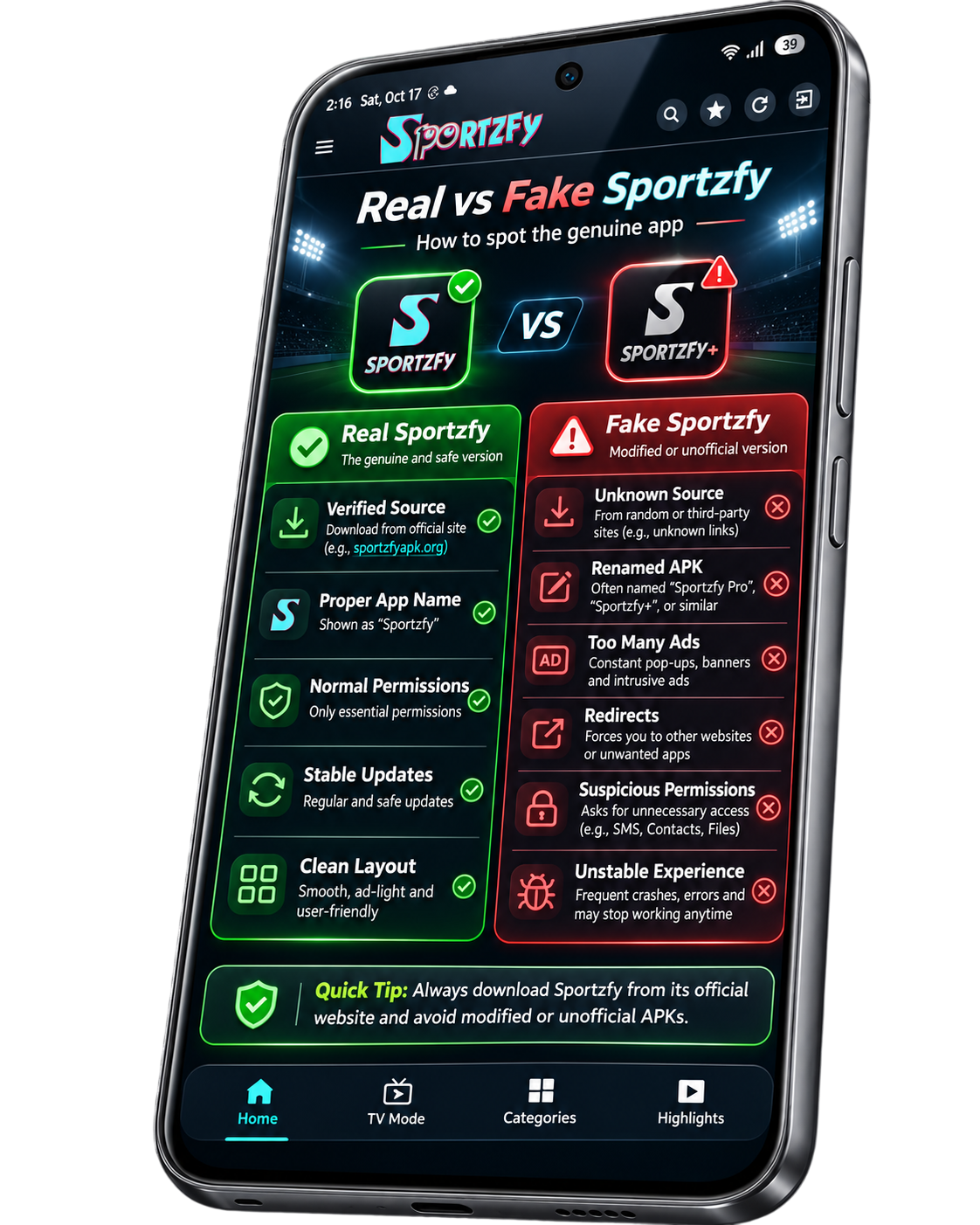
Start With the Website Address
Before downloading an APK, look closely at the website address.
Copied websites can use similar logos, screenshots, colors, and even almost identical page designs. The domain itself is therefore one of the first things worth checking.
Watch for:
- Misspelled domain names
- Extra characters or words
- Strange subdomains
- Unexpected redirects
- Download buttons that open unrelated pages
A website looking familiar does not automatically mean it is the same source you used before.
Check Where the Download Button Goes
The text written on a button is not enough. A button can say Download Sportzfy APK but still redirect somewhere unrelated.
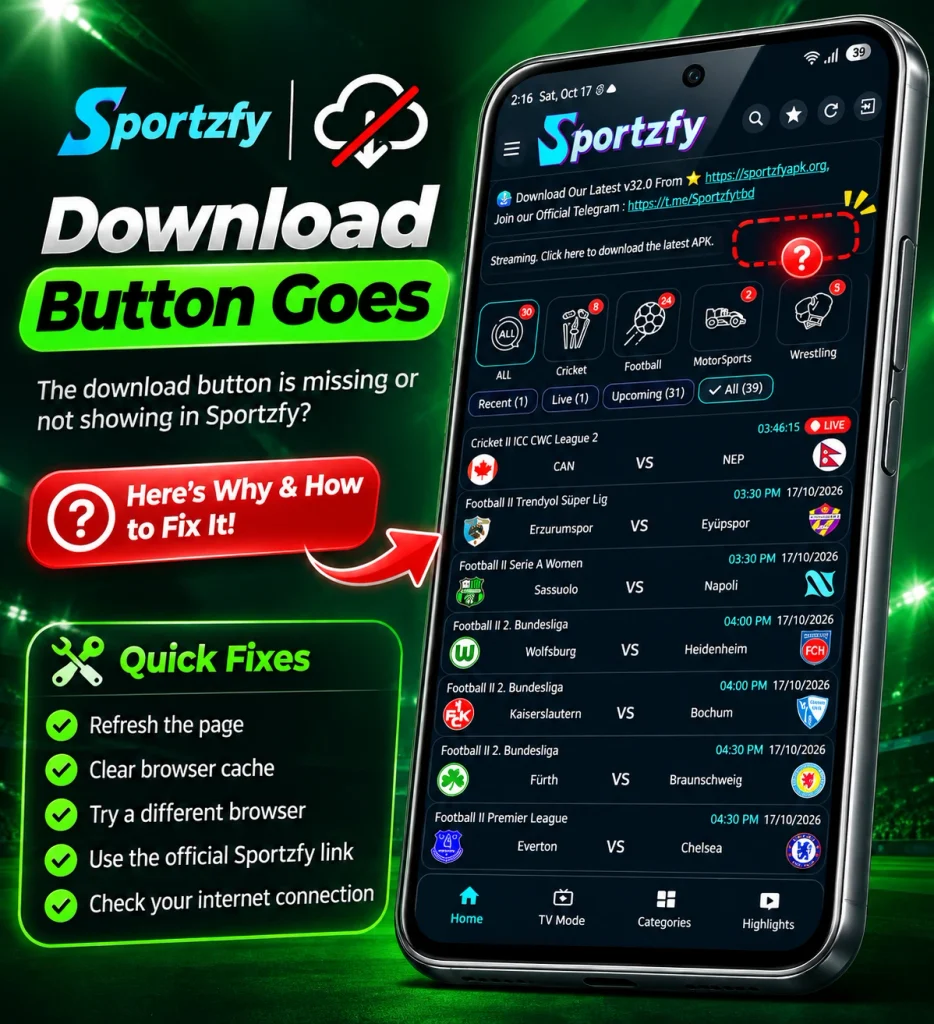
Before installing anything, pay attention to the actual download process.
Be more careful if:
A separate file-hosting page is not automatically suspicious, but the download path should make sense.
Compare the Sportzfy Version
The external Sportzfy verification guide currently lists the following reference release:
| App Detail | Reference Information |
| App | Sportzfy |
| Version | v32.0 |
| Version Code | 46 |
| APK Size | 15.4 MB |
| Minimum Android | Android 5.0+ |
| Release Date | August 22, 2026 |
These values come from the external verification page and should be rechecked whenever Sportzfy receives another update.
A website advertising a higher version number is not automatically more genuine. Compare the version with other release details rather than trusting the number alone.
Check the APK File Type
Sportzfy for Android should be downloaded as an APK.
Be cautious if a website unexpectedly gives you:
Sportzfy can be used on a PC through an Android emulator, but that does not mean you need a random Sportzfy.exe file.
Check the Sportzfy Interface
After installation, the app should also resemble the Sportzfy interface you expected.
The Sportzfy version covered on this website includes areas such as:
It also includes tools such as:
An app that uses the Sportzfy name but opens with a completely unrelated interface deserves further checking.
Review App Permissions
Permissions can also help you decide whether an APK deserves more investigation.
The external verification guide recommends paying particular attention when an APK unexpectedly requests sensitive access such as:
A permission request does not automatically prove that an APK is fake. The important question is whether you understand why the app needs that permission before granting it.
Pay Attention to Google Play Protect
Google Play Protect can scan Android apps, including APKs installed outside Google Play.
If Android displays a Play Protect warning, do not automatically assume the APK is fake, but do not ignore the warning either. Compare it with the download source, version, permissions, and other available information before continuing.
Fake, Modified, Repacked and Outdated Are Different
Not every APK that differs from the latest file should automatically be called fake.
A file may be:
- Current APK – Matches the current reference release
- Older APK – Genuine-looking build from an earlier release
- Mirror – Same APK distributed from another location
- Modified APK – Original package has been changed
- Repacked APK – Rebuilt and signed again
- Unverified APK – Not enough information to confirm its identity
- Fake APK – Presented as Sportzfy without reliable evidence that it is the expected app
This distinction matters because a different file size or older version does not automatically prove malicious behavior.
Advanced Verification: Package, Signature and SHA-256
Technical users can go further by checking APK package information, signing certificates, and file hashes.
Android apps are digitally signed. If a trusted Sportzfy signing reference becomes available, users can compare the downloaded APK against it.
A SHA-256 checksum can also work like a fingerprint for a specific APK file. When a trusted source publishes a checksum, comparing your downloaded file with that value can confirm whether the two files are identical.
Sportzfyy.com should only publish package names, signatures, or SHA-256 values after verifying them directly from the APK. These details should never be guessed.
What If You Already Downloaded a Suspicious APK?
If you downloaded the file but have not installed it, do not install it just to see whether it works. Compare the source, version, file type, permissions, and download destination first.
If you have already installed it, check the Android app information page and review:
- App version
- Permissions
- Installation source, when shown
- Android security notifications
- Unexpected device behavior
An app successfully opening does not prove that it is genuine. Modified or repacked APKs can still run normally.
Sportzfy Verification Checklist
Before installing, ask yourself:
If several answers are unclear, stop and verify the APK before continuing.
Final Check Before Installing Sportzfy
The safest approach is not to rely on one sign alone.
Check the website, download path, version, file type, permissions, Android warnings, and familiar Sportzfy interface together. You can use SportzfyOfficial.link as an additional directory of Sportzfy-related links, while Sportzfyy.com remains the download source used by this website.